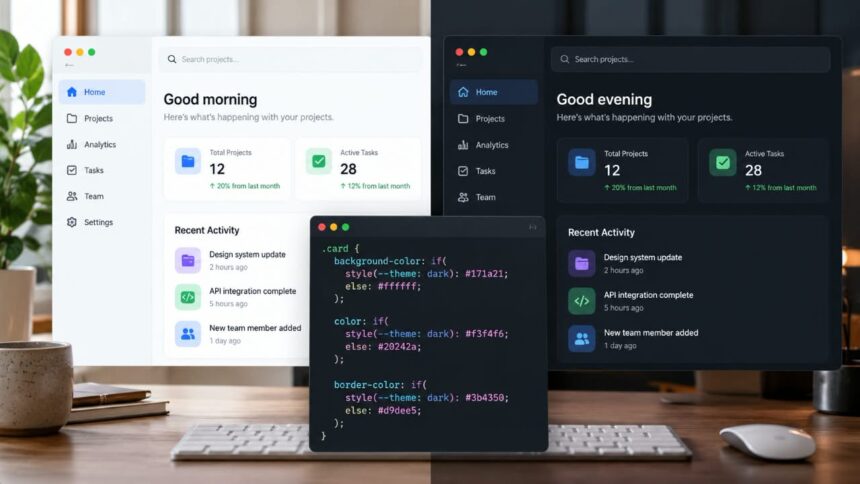
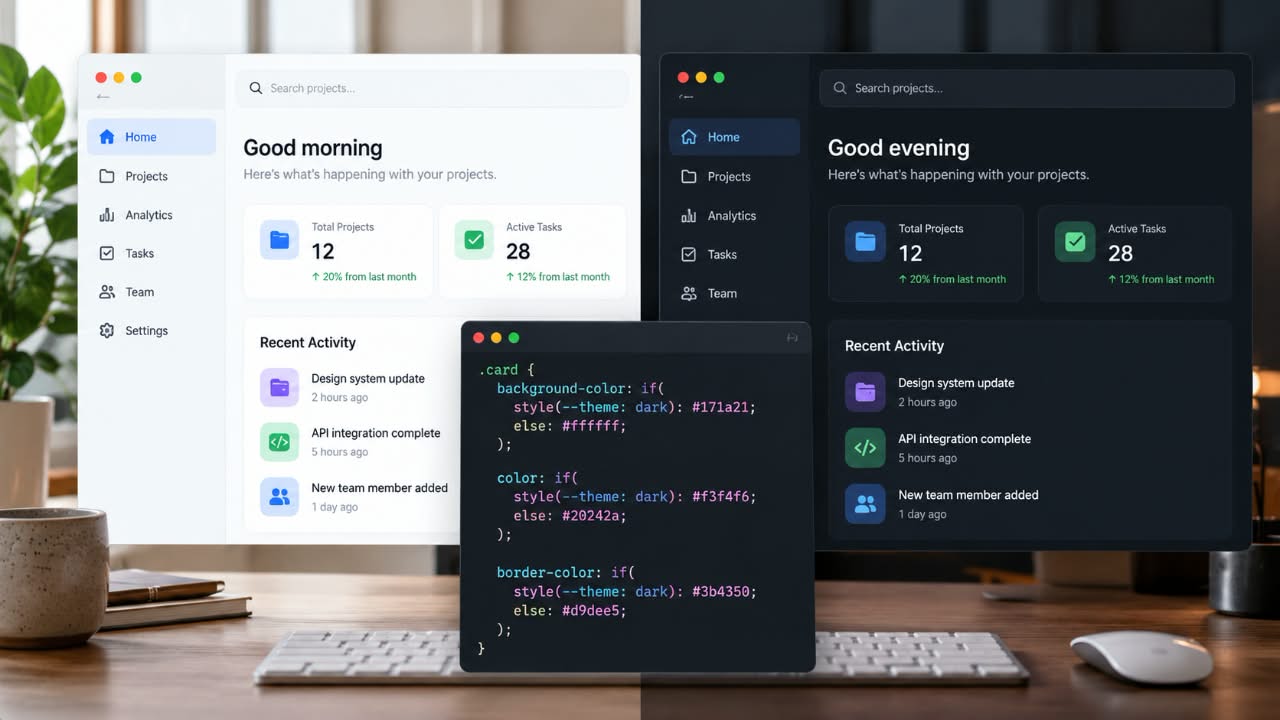
CSS is getting better at expressing conditional logic, but browser support still determines how far developers can take it in production. The new CSS if() function offers a way to select property values directly inside a declaration, potentially reducing the need for repeated theme-specific rules.
Can I Use estimates CSS if() support at 68.94% of global browser usage. Chrome and Edge support it from version 137, while the compatibility table still lists Firefox and Safari as unsupported.
That makes if() worth understanding, but not something to adopt blindly. If you build dashboards, component libraries, admin panels or websites with light and dark themes, it offers a cleaner way to express certain visual decisions. The challenge is knowing where it helps, what should remain a design token, and how to keep the interface working in browsers that do not support it.
What the CSS if() Function Does
The CSS if() function lets a declaration choose a value according to a condition. Instead of writing separate rules for every possible state, you can place the conditions inside the property itself.
The function supports three types of conditions:
style()checks a style value, such as a custom property.media()evaluates a media condition, such as viewport width or pointer type.supports()checks whether a CSS feature or property value is supported.
The syntax looks like this:
.component {
  background-color: if(
    style(--theme: dark): #171a21;
    else: #ffffff;
  );
}
When the theme condition matches, the component receives the dark background. Otherwise, it uses white. The browser evaluates the branches in order and returns the value associated with the first true condition. An else branch provides the default when no earlier condition matches.
The important distinction is that if() selects a property value. It does not replace the entire CSS cascade or eliminate every need for conditional rules.
Why this is Useful for Theme-Aware Components
Consider a dashboard with cards, buttons, search fields, navigation panels and notifications. Each component needs consistent colors, but some details change between light and dark modes.
A conventional implementation might define the light theme first and then override component styles under a dark-theme selector:
.card {
  color: #20242a;
  background: #ffffff;
  border-color: #d9dee5;
}

[data-theme="dark"] .card {
  color: #f3f4f6;
  background: #171a21;
  border-color: #3b4350;
}
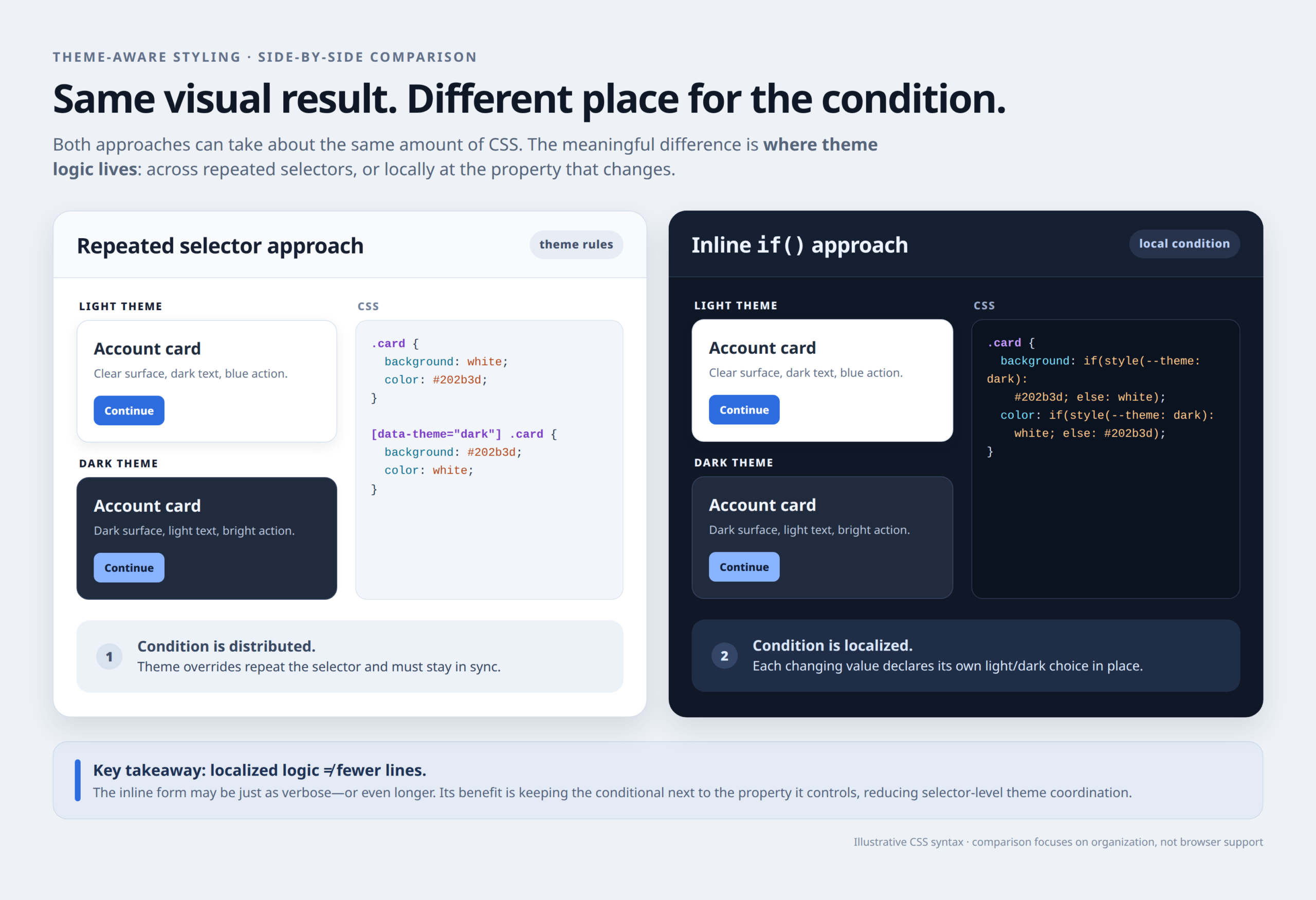
This is perfectly valid CSS. The maintenance problem begins when dozens of components accumulate similar override blocks, especially when each component also has compact, disabled, selected or warning states.
Inline conditionals let you keep a component’s theme-dependent property values together:
.card {
  color: if(
    style(--theme: dark): #f3f4f6;
    else: #20242a;
  );

  background-color: if(
    style(--theme: dark): #171a21;
    else: #ffffff;
  );

  border-color: if(
    style(--theme: dark): #3b4350;
    else: #d9dee5;
  );
}
This can make the relationship between a condition and its property easier to see. You no longer need a separate dark-theme selector for each of these particular decisions.
However, there is a trade-off: the conditional logic and color values are repeated in the component. For an interface with a large design system, that can create a different maintenance problem rather than solve the original one.
A Practical Implementation: Combine Design Tokens With if()
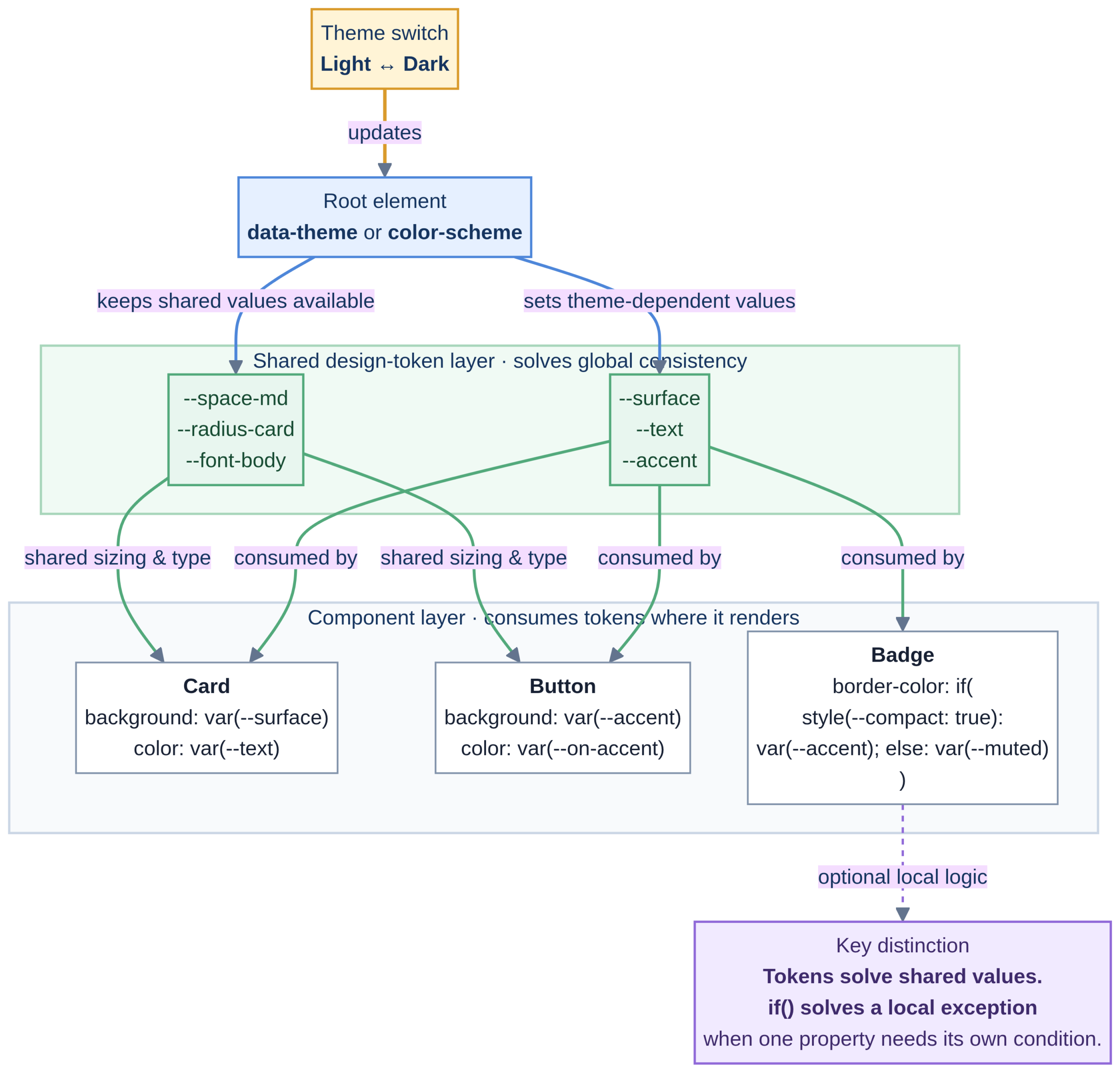
For production components, I would not make if() responsible for every color. Shared CSS custom properties are still a better place to define the palette used across an entire interface.
Start by defining the theme tokens:
:root {
  --theme: light;
  --surface: #ffffff;
  --text: #20242a;
  --border: #d9dee5;
  color-scheme: light;
}

:root[data-theme="dark"] {
  --theme: dark;
  --surface: #171a21;
  --text: #f3f4f6;
  --border: #3b4350;
  color-scheme: dark;
}
Now build the component using those shared values, reserving if() for a property that needs more specific treatment:
.card {
  padding: 1.25rem;
  border: 1px solid var(--border);
  border-radius: 0.75rem;
  background: var(--surface);
  color: var(--text);

  /* Ordinary fallback */
  box-shadow: 0 1px 4px rgb(0 0 0 / 10%);

  /* Conditional enhancement */
  box-shadow: if(
    style(--theme: dark): 0 2px 10px rgb(0 0 0 / 35%);
    else: 0 1px 4px rgb(0 0 0 / 10%);
  );
}
The main colors remain centrally managed. The shadow can vary according to the theme marker without another selector block.
This also provides a basic fallback. A browser that does not understand if() can still use the earlier shadow declaration and the ordinary custom properties for the card’s colors. The conditional shadow is an enhancement, not a requirement for the component to render.
To change themes, application code can set the root element’s data-theme attribute to light or dark. The CSS shown here defines the theme state; it does not create the toggle or persist the user’s preference.
When Light-Dark() is the Simpler Choice
There is another CSS feature worth considering before reaching for if(): light-dark().
If the only requirement is to select a color according to the active color scheme, light-dark() is more direct:
:root {
  color-scheme: light dark;
}

.card {
  color: light-dark(#20242a, #f3f4f6);
  background-color: light-dark(#ffffff, #171a21);
  border-color: light-dark(#d9dee5, #3b4350);
}
The color-scheme declaration tells the browser that the interface supports both schemes, allowing light-dark() to select the appropriate value. This approach is useful when the active color scheme itself determines the result.
There is one important difference. light-dark() handles light-versus-dark value selection; it is not a general-purpose conditional function for arbitrary component states. A notification that changes color according to whether its status is error, success or pending presents a different problem.
Use the tool that fits the condition rather than making the newest syntax handle every situation.
Other Situations Where CSS if() is Useful
Theme switching is only one application. Because if() supports style, media and feature queries, it can simplify other component-level decisions.
- Semantic states: Select a notification’s border or background according to a custom property that represents its status.
- Responsive values: Change button padding or alignment when the viewport becomes narrower.
- Pointer-aware interfaces: Use a larger control size on coarse-pointer devices to provide more comfortable touch targets.
- Feature-dependent values: Select an enhanced value when a browser supports the relevant CSS feature.
For example, this button uses one declaration to choose between compact and larger padding:
.button {
  padding: if(
    media(width < 40rem): 0.5rem 0.75rem;
    else: 0.75rem 1.25rem;
  );
}
The same idea can be applied to other individual properties. The CSS conditional examples published by Chrome for Developers explain the function’s three query types and demonstrate how it can keep conditional styling close to the declaration it affects.
There is still a readability limit. If a component needs numerous properties to change together, a conventional selector or conditional at-rule may be clearer than embedding complex logic inside several declarations.
Browser Support: What to Check Before SZhipping
CSS if() first became available in Chrome 137 in 2025. But support is not yet consistent across major browsers. The current compatibility table lists support in Chrome and Edge from version 137 and Opera from version 121, while Firefox and Safari remain unsupported in the versions listed at the time of writing.
That makes progressive enhancement essential. Declare a valid fallback before the conditional value, and ensure that essential styling does not depend on the function.
Do not assume that a fallback is correct simply because the page still renders. Test the dark theme in browsers that ignore the conditional declaration. If the fallback leaves dark text on a dark surface, the component is technically present but visually broken.
For a public website, test on the browsers represented in your analytics. For an internal application with a tightly controlled browser environment, the decision may be different. In either case, recheck the compatibility data before deployment because browser support changes.
Final Recommendation
CSS if() is a useful addition to the language, particularly when a single property needs a conditional value based on a component’s state, a media condition or feature support.
It is not a replacement for the entire cascade, and it does not eliminate the need for design tokens. Use custom properties to centralize shared theme values, use light-dark() for straightforward color-scheme-dependent choices, and reach for if() when inline conditional logic makes a component easier to maintain.
Most importantly, keep ordinary CSS fallbacks in place until browser support matches your requirements. A cleaner stylesheet is useful only when the interface remains predictable for the people who use it.